



 Github Stars:
 Last Commit:
  Created:

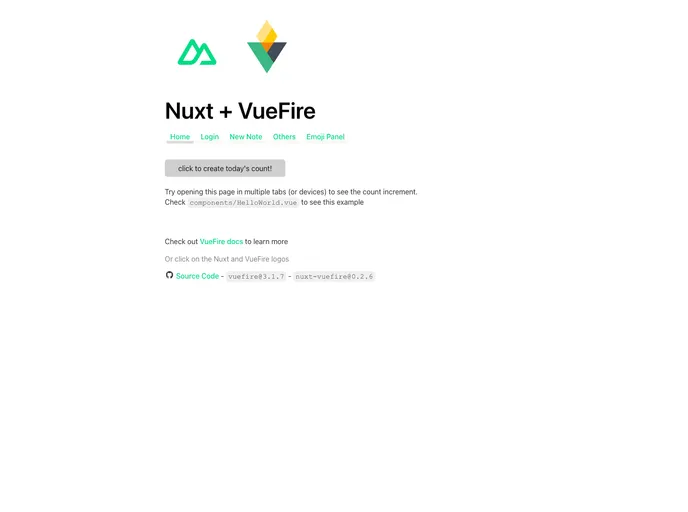
Overview
This article provides a working example of Nuxt + VueFire, demonstrating the integration of VueFire into a Nuxt project. It includes instructions on how to set up a Firebase app, install the necessary packages, and configure the project.
Features
- Integration of VueFire into a Nuxt project
- Demonstrates the use of Firebase for backend functionality
- Provides step-by-step instructions for setup and configuration
Installation
To install this theme, follow these steps:
- Replace
npmwith your preferred package manager. - If you want to enable SSR, install
firebase-adminand create a service account JSON file. - Set up a Firebase app at the Firebase Console and obtain the Firebase config.
- Use the
firebase-toolspackage to add the configuration to the project with the following command:Select the desired options, such as Firestore and Hosting. Change the public directory tofirebase init.output/public.
Summary
This article presents a working example of integrating VueFire into a Nuxt project, along with the use of Firebase for backend functionality. It provides step-by-step instructions for setting up and configuring a Firebase app, as well as installing the required packages.



















































