



 Github Stars:
 Last Commit:
  Created: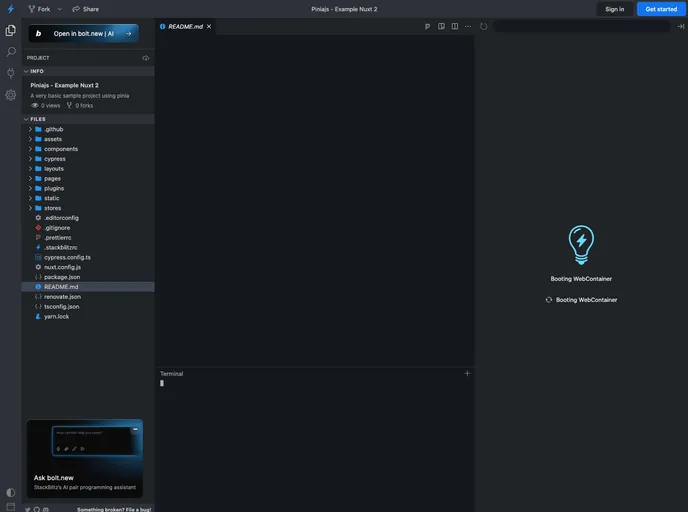
Overview
The pinia-example-nuxt is an example project using an older version of Nuxt.js. It serves as a guide for users who want to explore and learn how to use Pinia with Nuxt.js. However, it is important to note that this example is based on an outdated version of Nuxt, and users are advised to refer to more recent examples or use the v3 or Nuxt bridge versions for better compatibility and effectiveness.
Features
- Pinia Integration: The example demonstrates how to integrate Pinia, a modern and modular store for Vue.js, with Nuxt.js.
- State Management: It showcases the usage of Pinia for state management in a Nuxt.js application, providing an organized and efficient way to handle and update the application’s data.
- Clean Architecture: The example promotes the use of a clean and scalable architecture by leveraging Pinia’s modular approach, enabling developers to easily separate concerns and maintain a more structured codebase.
Installation
To install and set up the pinia-example-nuxt project, follow the steps below:
Ensure you have Node.js installed on your machine.
Clone the pinia-example-nuxt repository from the desired source.
Navigate to the project directory in your terminal.
Install the project dependencies by running the following command:
npm installOnce the installation is complete, start the development server with the following command:
npm run devOpen your web browser and access the application at
http://localhost:3000.
For more detailed information on how Nuxt.js works, please refer to the Nuxt.js documentation.
Summary
The pinia-example-nuxt serves as a demonstration and guide for integrating Pinia with Nuxt.js. Although it is based on an older version of Nuxt, it offers valuable insights into using Pinia for state management in a Nuxt.js application. Users are encouraged to refer to more recent examples or consider using the v3 or Nuxt bridge versions for a more up-to-date and compatible experience.




















































