



 Github Stars:
 Last Commit:
  Created:

Overview
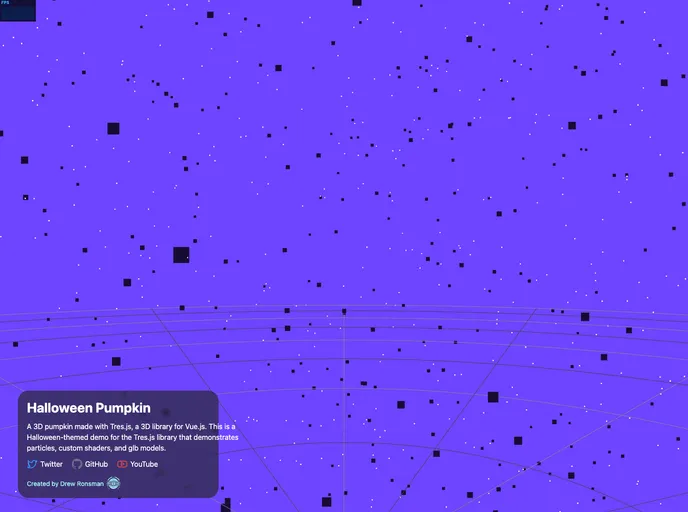
TresJsHalloweenPumpkin is a Halloween-themed demo made with Tres.js, a 3D library for Vue.js. It showcases the capabilities of the Tres.js library by creating a 3D pumpkin with particles, custom shaders, and glb models.
Features
- Halloween Theme: The demo is Halloween-themed, allowing users to get into the spooky spirit.
- Particles: The 3D pumpkin is made more dynamic and visually appealing with the use of particles.
- Custom Shaders: Tres.js allows for the creation of custom shaders, which adds a unique visual style to the 3D pumpkin.
- glb Models: The demo includes the use of glb models to enhance the 3D pumpkin’s appearance and details.
Installation
To install TresJsHalloweenPumpkin, follow these steps:
- Install Tres.js library:
npm install tres.js
- Import the Tres.js library in your Vue.js project:
import { Tres } from 'tres.js';
Download the glb model for the pumpkin.
Add the necessary HTML markup to your Vue component’s template:
<template>
  <div>
    <tres-scene :width="800" :height="600">
      <tres-pumpkin :model-path="require('./pumpkin.glb')"></tres-pumpkin>
    </tres-scene>
  </div>
</template>
Customize and style the pumpkin as desired, using the available Tres.js features and custom shaders.
Run the project and enjoy the Halloween-themed 3D pumpkin:
npm run dev
Summary
TresJsHalloweenPumpkin is a demo made with Tres.js, a 3D library for Vue.js. It showcases the library’s capabilities by creating a Halloween-themed 3D pumpkin with particles, custom shaders, and glb models. By following the installation guide, users can easily incorporate this demo into their Vue.js projects and customize it to fit their needs.


















































