



 Github Stars:
 Last Commit:
  Created: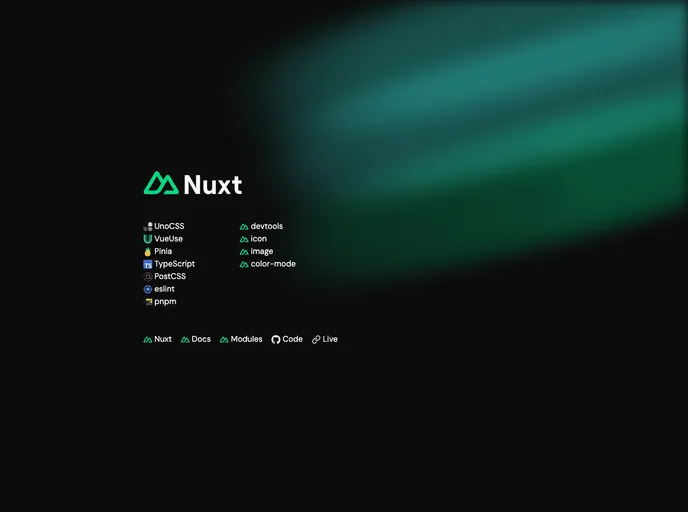
Overview:
The Nuxt 3 Starter Template is a minimalistic template designed for developers using Nuxt 3. It comes preconfigured with essential modules and presets to help developers get started quickly and easily. With features such as UnoCSS preset, Attributify preset, Typography preset, and more, this template provides a solid foundation for building web applications.
Features:
- UnoCSS preset: Includes UnoCSS, a lightweight CSS framework, for rapid styling and layout development.
- Attributify preset: Allows developers to use HTML-like attributes instead of class names for styling, making CSS code more intuitive.
- Typography preset: Provides a set of typography styles and components for consistent and elegant text display.
- WebFonts transformer: Automatically loads web fonts from Google Fonts or other sources, making it easy to use custom fonts in the application.
- Directives transformer: Extends the capabilities of Vue directives, allowing developers to create reusable and custom directives for various use cases.
- VariantGroup VueUse: Integrates VueUse’s VariantGroup feature, enabling the creation of variant-based components and dynamic styles.
- Vue Macros: Enhances the Vue.js development experience by providing additional macros and shortcuts for writing more concise and readable code.
- Pinia: Offers a modern and lightweight alternative to Vuex for state management in Vue.js applications.
- TypeScript: Supports TypeScript for static type checking and improved development productivity.
- PostCSS Nesting: Enables nesting of CSS selectors in PostCSS, improving the organization and readability of CSS code.
- ESLint: Integrates ESLint for code linting and enforcing code quality standards.
- pnpm: Utilizes pnpm as the package manager, which offers faster and more efficient package installation.
Installation:
To install the Nuxt 3 Starter Template, follow these steps:
Clone the template locally, with no git history, using the unjs/giget tool.
unjs/giget clone https://github.com/unjs/nuxt3-starter my-appInstall the recommended extensions for your code editor.
Change the author name in the LICENSE file to your own.
Delete the “gradients” directory in the “public” folder if it’s not needed.
Delete the “Welcome.vue” component.
Delete any unnecessary icon components in the “components/global” folder.
Customize the rules in the “robots.txt” file in the “nuxt.config.ts” file.
Remove any modules from the “nuxt.config.ts” and “package.json” files that are not needed for your project.
Customize the “README.md” file according to your project requirements.
Summary:
The Nuxt 3 Starter Template is a feature-rich and customizable template for developers using Nuxt 3. With its preconfigured modules and presets, it provides a solid foundation for building web applications. The template includes essential features such as UnoCSS preset, Attributify preset, Typography preset, and more, to streamline the development process. By following the installation guide, developers can quickly set up the template and customize it to meet their project requirements.




















































