



 Github Stars:
 Last Commit:
  Created: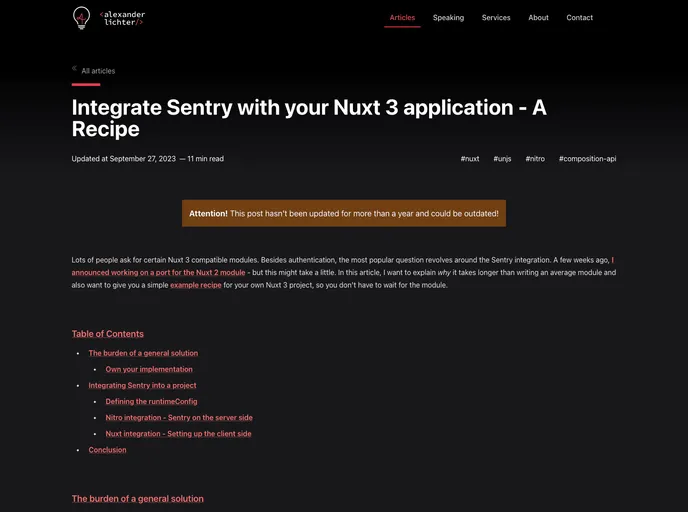
Overview
The content provides instructions on integrating Sentry into a Nuxt 3 application on both the server and client sides, using a repository as a guide.
Features
- Integration with Sentry: Step-by-step guide on integrating Sentry into a Nuxt 3 application.
- Server-side Integration: Instructions on setting up Sentry on the server side.
- Client-side Integration: Guide on integrating Sentry on the client side.
- Repository Cloning: Easy steps to clone the repository for reference.
- Dependency Installation: Instructions for installing dependencies using pnpm.
- Environment Setup: Guidance on providing an environment file based on the provided example.
Installation
Clone repository:
git clone <repository-url>Install dependencies:
pnpm iRun development server:
pnpm devProvide environment file:
- Create an environment file based on the provided .env.example.
- Customize the environment variables as needed.
Summary
The content provides a detailed guide for integrating Sentry into a Nuxt 3 application on both the server and client sides. By following the steps outlined, users can seamlessly set up and utilize Sentry for error tracking and monitoring in their Nuxt 3 projects. The repository offers a hands-on approach with clear instructions for easy implementation.




















































