



 Github Stars:
 Last Commit:
  Created:



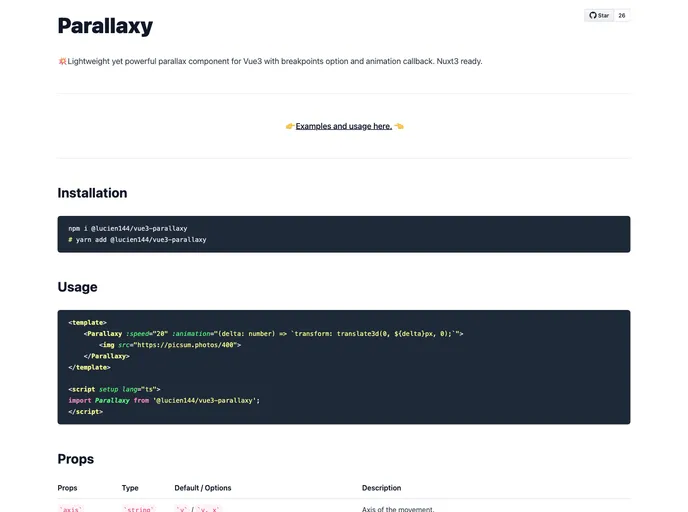
Overview
Parallaxy is an innovative parallax component designed specifically for Vue3 applications, bringing both lightweight performance and powerful features to enhance user experience. It integrates seamlessly with Nuxt3, making it an ideal choice for developers looking to elevate their web projects with engaging visuals. With customizable options such as breakpoints and animation callbacks, Parallaxy adapts beautifully across various screen sizes and scenarios.
This component’s versatility and ease of use make it perfect for those who want to implement stunning visual effects without compromising on performance. Whether you’re looking to add dynamic backgrounds, intricate scrolling effects, or simply elevate the aesthetic appeal of your application, Parallaxy offers the tools to help you achieve your vision.
Features
- Axis Control: Choose between horizontal or vertical movement to tailor the parallax effect to your design needs.
- Adjustable Speed: Modify the speed of movement with a simple numerical input, allowing for precise control over the effect’s tempo.
- Directional Flexibility: Set the movement direction to normal or opposite to create unique visual narratives based on user interaction.
- Breakpoint Customization: Define different parallax settings for various screen widths, ensuring consistent visual effects on all devices.
- Animation Callback: Utilize custom CSS animations to create a personalized look. This feature allows for dynamic adjustments based on the position of the element within the viewport.
- Interactive Toggling: Easily enable or disable the parallax effect with a boolean switch, providing developers control over the component’s activation.
- Debug Panel: Access a debugging tool to monitor the component’s behavior, helping developers fine-tune settings effectively.















































