



 Github Stars:
 Last Commit:
  Created:


Overview
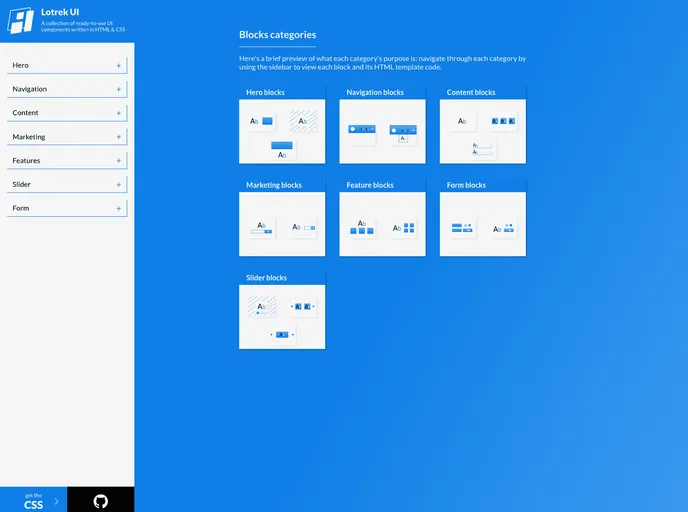
Lotrek UI is a collection of ready-to-use UI components and micro layouts written in simple HTML & CSS. It aims to help developers build their projects faster by providing customizable and tested blocks that are responsive.
Features
- Ready-to-use UI components and micro layouts
- Easy to customize
- Tested and responsive
Installation
To use Lotrek UI, follow these steps:
- Copy the HTML code inside
<template>in the/components/category/name-of-block.vuefile. - Add the
lotrek-ui.cssstylesheet to your project. You can do this by running the following command:yarn add lotrek-ui-css - Import the CSS file in your JavaScript file:
import 'lotrek-ui-css/build/lotrek-ui.css'
Summary
Lotrek UI is a collection of UI components and micro layouts that can be easily customized. It provides developers with a fast way to build projects by offering responsive and tested blocks. To use Lotrek UI, simply copy the HTML code from the component files and add the lotrek-ui.css stylesheet to your project. The project is built with NuxtJS, Vue, rollup.js, HTML, CSS, and JavaScript. It is licensed under the MIT License and the creators have plans for improvements such as a better demo page and readme.



















































