



 Github Stars:
 Last Commit:
  Created:
Overview:
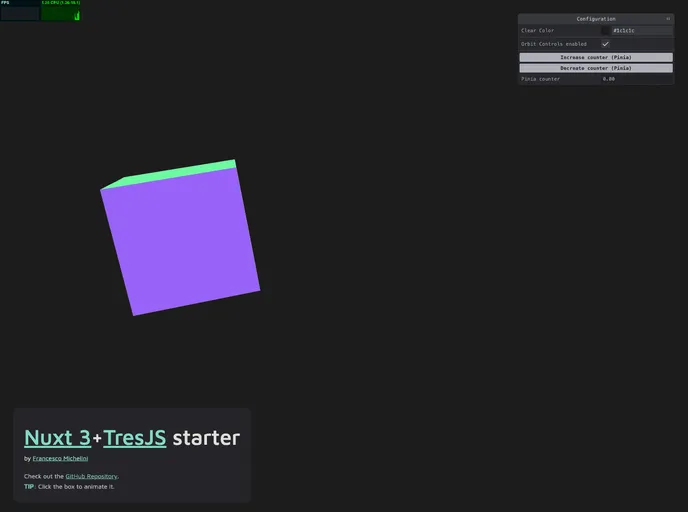
The Nuxt 3 + TresJS starter is a template or starting point for developing web applications using Nuxt 3 and TresJS. It includes various features and components that showcase the capabilities of these technologies.
Features:
- Demo GLTF model: The starter includes a custom GLTF model called
<Suzanne />which can be loaded and used in a component. - Box with click handler: A component called
<SampleBox />is included which rotates and floats on every tick and has click and hover handlers. - GSAP as a Nuxt plugin: GSAP (GreenSock Animation Platform) is integrated as a Nuxt plugin, allowing it to be easily used in any component. The plugin file is located at
/plugins/gsap.js, and additional GSAP plugins can be imported and registered in this file. - Pinia: Pinia, a state management library, is already included and configured in the starter. The states are stored in the
/storesfolder and are automatically included.
Installation:
To install and use the Nuxt 3 + TresJS starter, follow these steps:
- Install the dependencies by running the following command:
npm install
- Start the development server on
http://localhost:3000by running:
npm run dev
- To build the application for production, use the following command:
npm run build
- To locally preview the production build, run the following command:
npm run start
Summary:
The Nuxt 3 + TresJS starter is a feature-rich template for developing web applications using Nuxt 3 and TresJS. It includes components for handling custom GLTF models, click and hover interactions, and has GSAP and Pinia already integrated. The installation process is straightforward and allows for easy development and deployment of applications using this starter.



















































