



 Github Stars:
 Last Commit:
  Created:


Overview
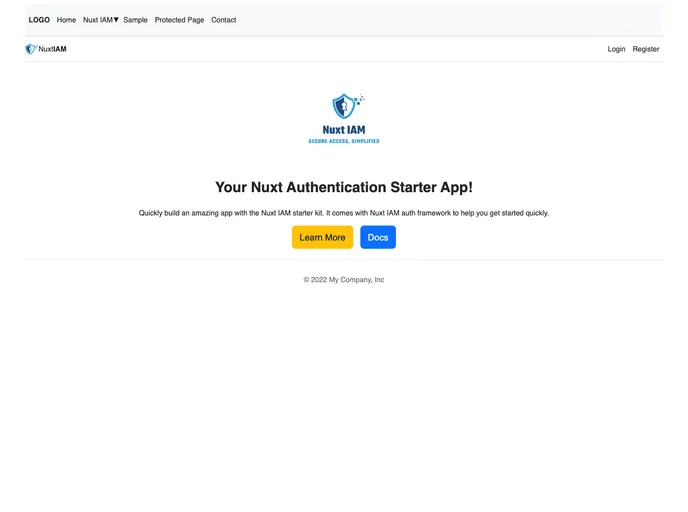
Nuxt IAM (Nuxt Identity and Access Management) is an authentication and authorization framework for Nuxt that allows developers to secure their applications using industry best practices. It provides a range of features including user registration, login with email and password, login/registration with Google, password reset, user dashboard, password change, user profile/account deletion, admin user management, and admin token management. Nuxt IAM is a full-featured Nuxt 3 application that can be easily integrated into projects.
Features
- User registration with email and password
- User login with email and password
- User login/registration with Google
- User password reset
- User dashboard
- User password change
- User profile/account deletion
- Admin user management
- Admin token management
Installation
To install Nuxt IAM, follow these steps:
- Install Node.js if you haven’t already. The recommended version is 16.16 or greater.
- Install Yarn package manager (or npm if preferred).
- Clone, fork, or download the Nuxt IAM repository from GitHub.
- Navigate to the root directory of the downloaded repository.
- Create a copy of the
.env.examplefile and rename it to.env. - Run
yarnoryarn installto install the necessary dependencies. - Add your database information to the
.envfile. Nuxt IAM currently supports MySQL, but can be modified to support other databases (see Prisma documentation for more information). - Connect your application to the database by running
npx prisma migrate devand name the migrationinitial_migrationor similar. - Run
yarn devto start the application.
Note: Additional configuration may be required for email sending and Google authentication.
Summary
Nuxt IAM is a powerful authentication and authorization framework for Nuxt applications. It offers a wide range of features to secure user access and data, including user registration, login, password reset, user dashboard, and admin management. With easy installation and configuration, Nuxt IAM provides developers with a robust solution to implement industry best practices for application security.

















































