



 Github Stars:
 Last Commit:
  Created:

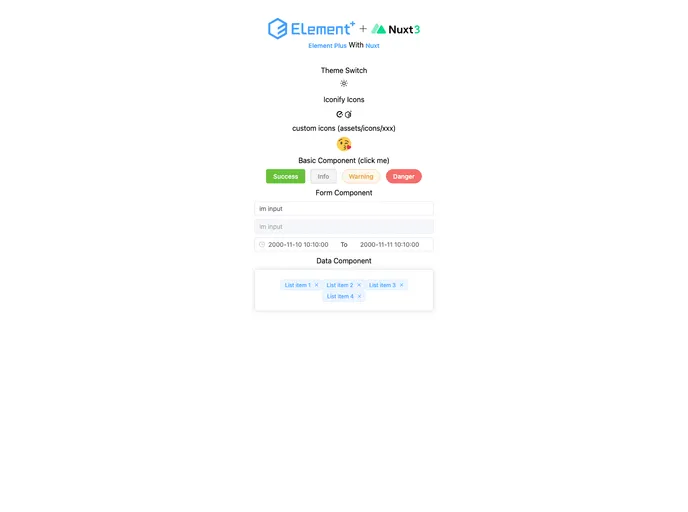
Overview
This product analysis is for a Nuxt 3 project template that includes Element Plus. The template allows for online preview and has a repository on GitHub for easy access and collaboration. The project is built on top of vitesse-nuxt3 and is designed to address some issues faced with the element-plus-nuxt-starter, which is not updated to Nuxt 3 and has encountered some problems during the upgrade process. The template utilizes pnpm as the package manager and includes Nuxt 3.0, Element Plus, Pinia, vueuse, and unocss.
Features
- Nuxt 3.0: The project is built on Nuxt 3.0, the latest version of the popular Vue.js framework.
- Element Plus: The template includes Element Plus, a component library for Vue.js with support for automatic component importing, dark mode, and theme customization.
- Pinia: Pinia is used for state management, replacing the heavier Vuex approach.
- vueuse: vueuse is automatically imported into the project, providing various useful Vue.js composition functions.
- unocss: The entire project’s styles are written using unocss, resulting in clean and concise code.
- pnpm: The project utilizes pnpm as the package manager, allowing for efficient dependency management.
Installation
To install the template, follow these steps:
- Clone the repository:
git clone https://github.com/hdw0504/el-plus-nuxt3.git
- Change your working directory to the cloned repository:
cd el-plus-nuxt3
- Install the project dependencies using pnpm:
pnpm install
- Start the development server:
pnpm run dev
Summary
This product analysis discussed a Nuxt 3 project template that includes Element Plus. The template provides several key features, including support for Nuxt 3.0, automatic component importing with Element Plus, Pinia for state management, vueuse for composition functions, and unocss for styling. The installation guide provides detailed steps to set up the template on a local development environment. Overall, this template offers a convenient and efficient way to start a Nuxt 3 project with Element Plus.

















































