



 Github Stars:
 Last Commit:
  Created:

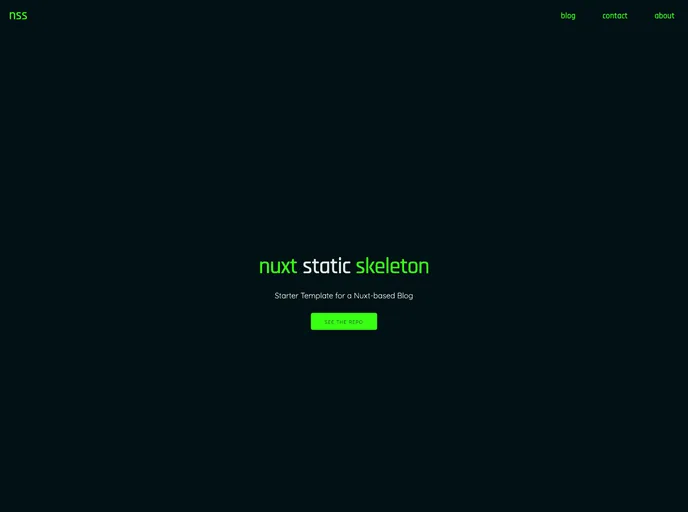
Overview
The Nuxt Static Skeleton project is a blog creation template that utilizes Nuxt-Content and Netlify CMS. It provides a set of pre-designed pages, such as the home page, about page, contact page, and blog post list page. The template includes features like pagination for blog posts, Google Fonts integration, flexible grid layout, Google Analytics integration, Netlify CMS for in-browser editing, an interactive editor, SEO control, sitemap generation, and a contact form. The template can be set up by forking the repository, installing dependencies, configuring GitHub and Netlify, and customizing the layout and content.
Features
- Home Page (custom)
- Nuxt-Content powered pages: About Page (markdown) and Contact Page (markdown)
- Blog Post List Page(s) with pagination
- Blog Post Single Page
- Google Fonts integration
- Flexbox Grid
- Modified Skeleton CSS
- Google Analytics integration
- Netlify CMS for in-browser editing
- Interactive Editor from nuxt-content during local development
- SEO Title / Description separation for better SEO control
- Sitemap Generation via Netlify
- Contact form via Netlify
Installation
To set up your own blog using the Nuxt Static Skeleton as a template, follow these steps:
- Fork the Repository
- Run
npm installto install the current dependencies - Optional: Run
npm run devto start a local development server - Create a new empty repository on GitHub
- Run
git initto initiate a new project - Add a remote connection (use the URL provided by GitHub):
git remote add origin [your-github-url] - Add all files to the project:
git add .andgit add .env - Commit files with:
git commit -m '[your-message]' - Push files to GitHub:
git push -u origin master - Sign up for Netlify and link your GitHub account
- In Netlify options, define the build command as:
npm run generateand publish directory as:dist - Enable Identity in Netlify Settings and configure GitHub sign-in
- Configure Registration preferences as desired (recommended: ‘Invite Only’)
Summary
The Nuxt Static Skeleton is a template for creating a blog using Nuxt-Content and Netlify CMS. It provides pre-designed pages, pagination for blog posts, Google Fonts integration, flexible grid layout, Google Analytics integration, in-browser editing with Netlify CMS, an interactive editor during development, SEO control, sitemap generation, and a contact form. The template can be easily set up by forking the repository, installing dependencies, configuring GitHub and Netlify, and customizing the layout and content.



















































