



 Github Stars:
 Last Commit:
  Created:



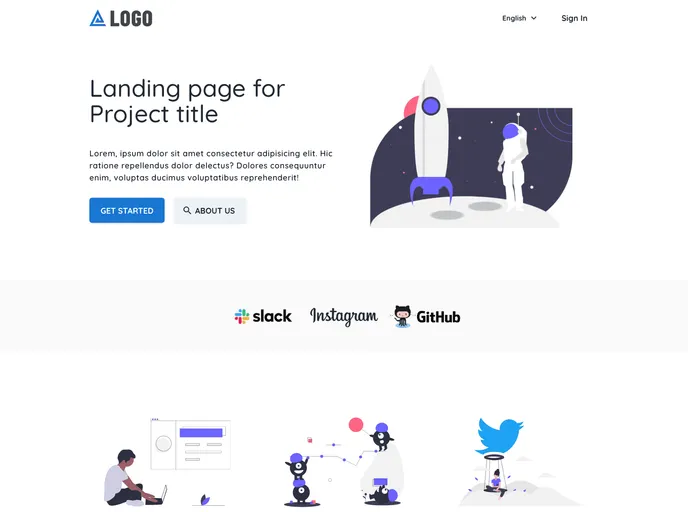
Overview:
The Firelayer starter template is a web application theme that utilizes Firebase as its backend. It offers a set of features and functionalities to help developers quickly build landing pages, user dashboards, and more. The template is organized as a monorepo using Lerna and yarn workspaces, making it easy to manage and develop multiple sub-packages. It is open-source software licensed under the MIT license.
Features:
- Landing Page: A customizable landing page with options for sign-in, registration, email verification, and password reset.
- User Dashboard: A user-friendly dashboard that provides access to various features and functionalities.
- Localization: Built-in support for localization using Vue with Nuxt and Vuetify components.
Installation:
Option 1: Use an existing Firebase project:
- Step 1: Access the Firebase Console and select your desired project.
- Step 2: Follow the guide on preparing a Firebase project for Firelayer.
- Step 3: Start building your application by running
yarn devornpm run dev.
Option 2: Create a new Firebase project:
- Step 1: Access the Firebase Console and create a new project.
- Step 2: Follow the guide on preparing a Firebase project for Firelayer.
- Step 3: Start building your application by running
yarn devornpm run dev.
Summary:
The Firelayer starter template is a powerful web application theme that simplifies the process of building landing pages and user dashboards. With its customizable components and built-in Firebase integration, developers can quickly create responsive and feature-rich applications. The template’s monorepo structure and handy scripts make development and management a breeze. It is licensed under the MIT license, making it a flexible and adaptable solution for various projects.


















































