



 Github Stars:
 Last Commit:
  Created:
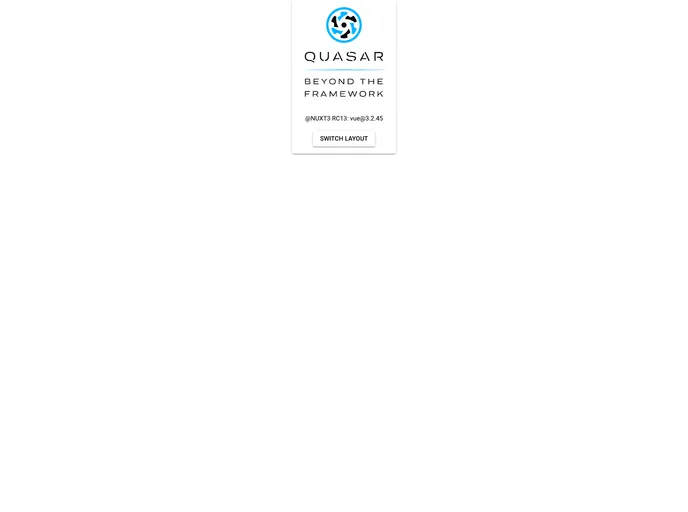
Overview
The Nuxt 3 + Quasar 2.10 Starter Template is a powerful combination of Nuxt.js and Quasar Framework, designed to provide developers with a solid foundation for building web applications. With Nuxt 3, which is the latest version of the popular Vue.js framework, and Quasar 2.10, a versatile UI framework, this template offers a seamless development experience and a range of features to create modern and responsive web applications.
Features
- Nuxt 3: Built on the latest version of Nuxt.js, the template harnesses the power of server-side rendering to provide fast and efficient web applications.
- Quasar 2.10: Quasar Framework offers a wide range of ready-to-use UI components and a responsive design system, allowing developers to easily build attractive and intuitive user interfaces.
- Demo: The template provides a demo application to showcase its capabilities and give developers a clear understanding of how their projects can be implemented.
Installation
To install the Nuxt 3 + Quasar 2.10 Starter Template, follow these steps:
- Ensure you have Node.js version 16.x installed on your system.
- Download the template from the provided source.
- Navigate to the project directory and run the following command to install the dependencies:
npm install
Summary
The Nuxt 3 + Quasar 2.10 Starter Template is a feature-rich and well-documented solution for building modern web applications. By leveraging the latest versions of Nuxt.js and Quasar Framework, developers can create highly performant and visually appealing web apps with ease. With a demo application included and a simple installation process, this template provides a solid foundation for developers to get started quickly and efficiently.



















































