



 Github Stars:
 Last Commit:
  Created:

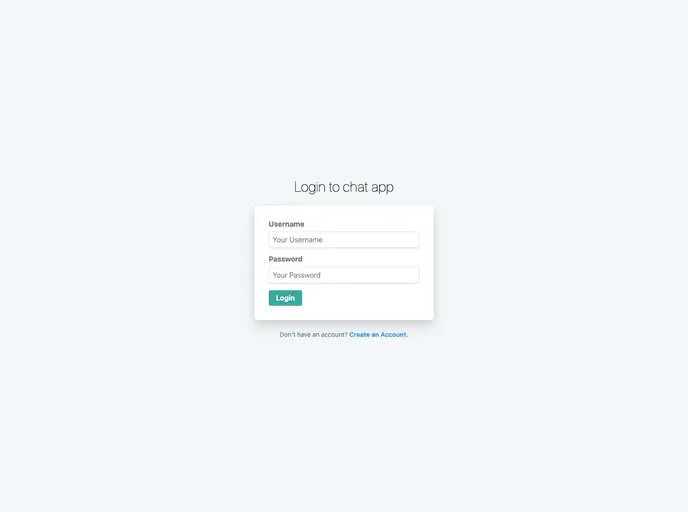
Overview:
The Chat Application Frontend is a user interface for a chat application that is built using nuxt.js. It provides a visually appealing and interactive interface for users to engage in real-time conversations with others. With its easy-to-use features and sleek design, this frontend makes chatting a seamless experience.
Features:
- Real-time Messaging: The frontend enables users to send and receive messages in real-time, allowing for immediate and dynamic conversations.
- User Authentication: Users can create accounts and log in securely, ensuring that conversations remain private and protected.
- Group Chat: Users have the option to create or join group chat rooms, enabling them to communicate with multiple people simultaneously.
- Emojis and Stickers: The chat application frontend offers a wide range of emojis and stickers to enhance the expression and communication between users.
- Notifications: Users receive notifications for new messages and updates, ensuring they are always up to date with the latest conversations.
- Message Search: The frontend allows users to easily search for specific messages within a chat, making it convenient to find past conversations.
Installation:
To install the Chat Application Frontend, follow these steps:
- Ensure that you have nuxt.js installed on your system. If not, run the following command to install it globally:
npm install -g nuxt
- Clone the repository from the provided URL:
git clone <repository-url>
- Navigate to the project directory:
cd <project-directory>
- Install the required dependencies:
npm install
- Start the frontend server:
npm run dev
- The Chat Application Frontend is now ready to use. Access it through your preferred web browser at
http://localhost:3000.
Summary:
The Chat Application Frontend is a sophisticated user interface built using nuxt.js. With its real-time messaging, user authentication, group chat, and other exciting features, it offers a seamless and enjoyable chatting experience. By following the installation guide, users can quickly set up and start using the frontend to engage in dynamic conversations with others.



















































